
Free receipt templates
Receipt templates by trade
Pick your trade to get a receipt template with the details your customers expect, ready to download as Excel, Word or PDF. Free, no sign-up, and nothing you type is uploaded.
By Anthony L. Hammock, M.Sc., founder of BlissPoint Access, 20+ years as an Industrial and Organizational Psychology consultant and software developer · Updated November 17, 2026
- Handyman ReceiptFor handymen and home repair pros
- Contractor ReceiptFor general contractors and remodelers
- Cleaning Service ReceiptFor house and office cleaners
- Landscaping ReceiptFor landscapers and lawn care pros
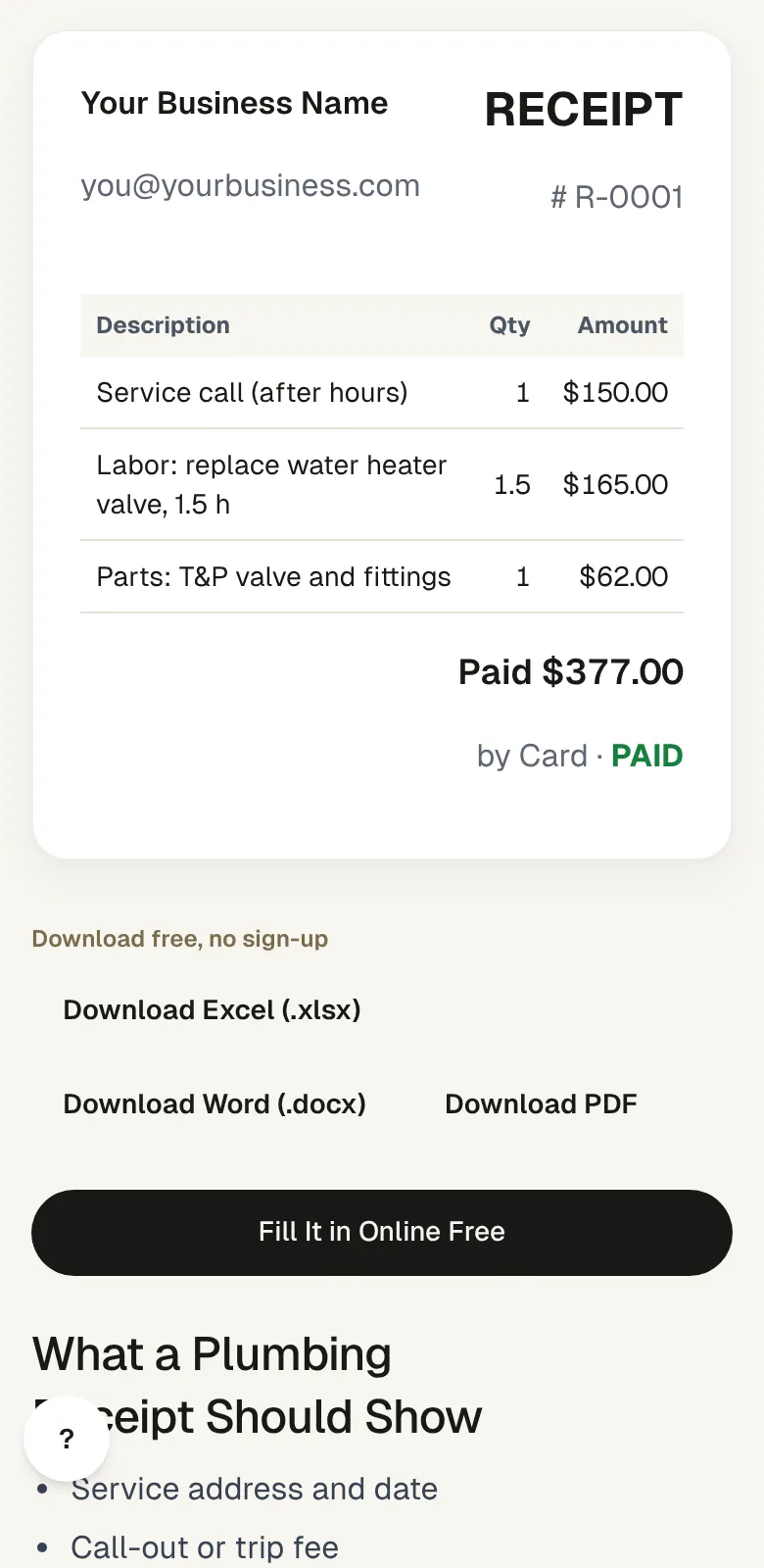
- Plumbing ReceiptFor plumbers
- Electrician ReceiptFor electricians
- Auto Repair ReceiptFor mechanics and auto shops
- Hair Salon ReceiptFor hair salons, stylists and booth renters
- Food Truck ReceiptFor food trucks and caterers who sell on the go
- Personal Training ReceiptFor personal trainers and fitness coaches