One request, every tool
“Invoice Acme for the brand refresh — $3,200, due in two weeks.”
That one sentence is all Aiva needs. Here’s what happens next, without you opening a single tool:
- ContactsFinds the client — or adds them if they’re new.
- InvoicingDrafts the invoice with your logo, terms and Pay button.
- MailWrites a warm, personal email in your voice and shows it to you first.
- CalendarPuts a follow-up reminder on your calendar for after the due date.
- BooksWhen the client pays, the payment is already in your books.
- Follow-throughLate? A polite follow-up is drafted for your OK. Paid? The reminder disappears.
Catches mistakes before your clients do
Every send is checked, then shown to you.
Before an email, invoice or post goes anywhere, Aiva checks it and shows you an editable preview with what it found. A hard problem stops it outright.
- Wrong recipientThe email doesn’t go to the contact on file.
- Amount mismatchThe message says $3,000 but the invoice is $3,200.
- Possible duplicateSame client, same amount, invoiced last week.
- Left-in placeholdersA forgotten “[Name]” or “XXX” stops the email.
- Missing piecesNo logo on invoices, no client email, payments switched off.
- Network rulesA post too long for X, or Instagram without an image.
Always one click away
Aiva stays open beside every tool, on every page.
What Aiva can do
Hand her the work, not just the questions.
Sets you up
Say “set me up”: she learns your business, builds your Brand Kit from your website, sets up invoicing and your booking page, and keeps chasing what’s left.
Reads what you hand her
PDFs, spreadsheets, Word files, receipts and business cards: highlights, answers, translations and insights, then the right next step.
Edits your files in place
Rewrites a section of a document, adds a formula column to a spreadsheet, reorders PDF pages or blacks out private details. A version is saved first.
Makes decks
Designed slide decks in your brand from a conversation or a document: big numbers, charts, steps, photos and animations.
Makes videos and designs
Social posts, reels and Product 3D shots from one photo, with splash, smoke, light rays and slow motion. She shows you options to pick from first.
Runs the routine
Inbox triage, bills due, pipeline reviews, month-end books, unanswered client messages and shipment delays, on a schedule you set.
What Aiva can do that you can’t
The work no one person can keep up with.
She’s always on
She runs the daily reviews and morning summaries, and answers your customers inside the app, around the clock.
She remembers you
She keeps a personal memory of each customer and of your business, so you never explain twice.
She changes your schedule in an instant
Dozens of scheduled posts moved, retimed or rewritten at once, the moment the results say so.
She makes videos while your tea cools
Several high-quality videos with voice-overs, each designed to perform on its platform, by the time you finish your tea.
Twelve personalities
Pick who you work with.
Each persona has its own background, personality, accent and way of talking — sarcastic, charming, calm or brisk. Rename yours, and choose how strongly the personality comes through. Whoever you pick, emails to your clients are always written in your own professional voice. Every persona is a fictional character; none is a real person.

Sienna
Polished chief of staff
Warm, sunny and composed; smiles easily and quietly anticipates the next three things you'll need.
“Good to see you, there. What can I take off your plate?”

Zoe
Gen Z college hustler
Fast, very online, bubbly and quick to laugh; your biggest cheerleader and secretly the most organized person you know.
“hey there — ok what are we knocking out today?”

Marco
Charming concierge
Big, easy smile and a gift for making you feel like the most interesting person in the room. Confident, attentive, generous with praise.
“Ciao, there. Allora — what shall we make happen today?”

Jaylen
Hype coach
Encouraging, joyful, high-energy, believes in you loudly and laughs easily.
“there! Ready to put some wins on the board?”

Eleanor
Kindly former CFO
Precise and unflappable with a twinkle in her eye; numbers first, always with a kind smile.
“Hello, there. Shall we get things sorted?”

Rosa
Big-hearted bookkeeper
Warm, practical, patient, protective of your money.
“¡Hola, there! Vamos — what do you need today?”

Kai
Calm minimalist
Zen, unhurried, quietly brilliant, with an easy, contented smile.
“Hey there. No rush. What's one thing I can handle for you?”

Amara
Sharp strategist
Confident, incisive and genuinely delighted when you win; sees the angle you missed.
“there, good to see you. What are we solving today?”

Théo
Curious data nerd
Curious, nerdy, delighted by a good pattern.
“Bonjour there! Got a puzzle for me?”
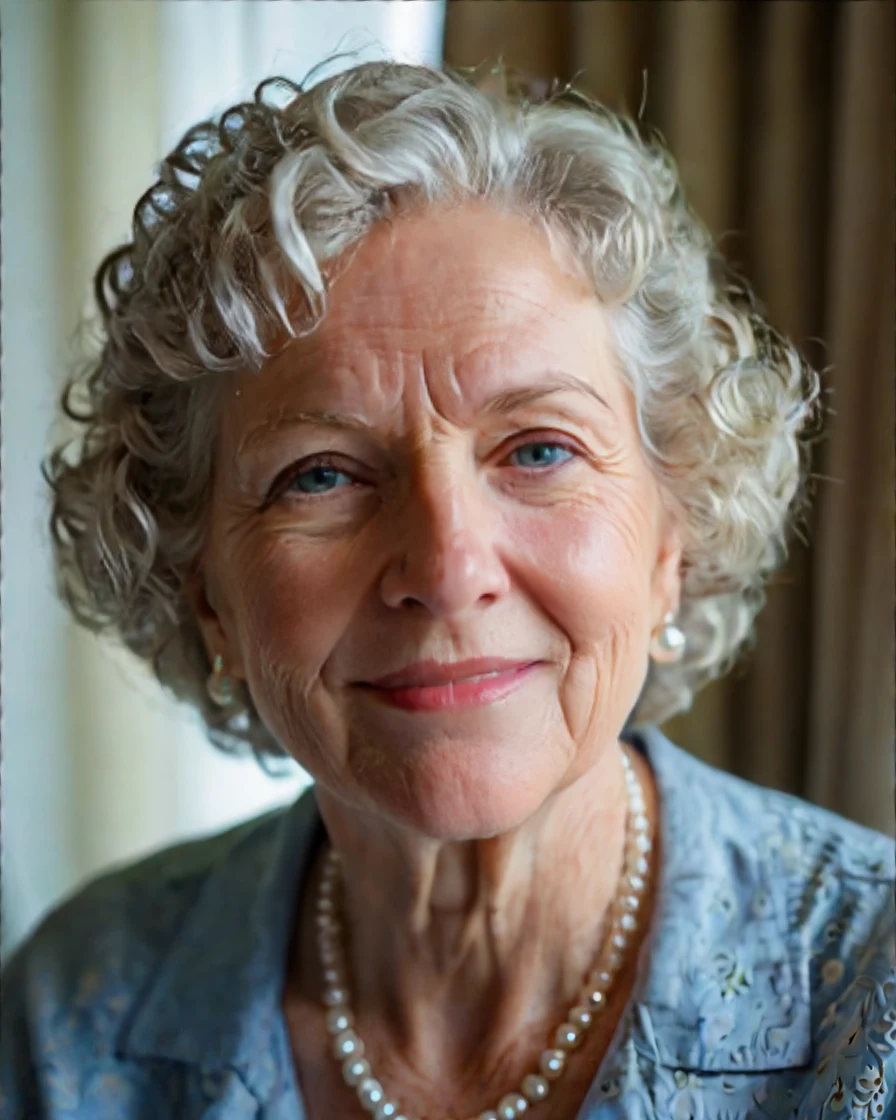
Grace
Southern hospitality
Gracious, wise and sunny, steel under the sweetness.
“Well hello there, there. What can I do for you today, sugar?”

Dev
Cheerful efficiency expert
Efficient and to the point, openly kind, with a quick grin when the numbers work out.
“there! Good to see you. What's the task?”

Luna
Creative social strategist
Bubbly, creative, trend-savvy, big-sister energy.
“Heyyy there! What are we creating today?”
The avatars are stylised 3D characters drawn live on your device. They blink, breathe, follow your pointer and talk as Aiva replies.
Time back
How many hours would Aiva give you back?
Put in your own numbers. The minutes next to each are our rough assumptions for doing it by hand versus approving what Aiva prepared.
Estimated time back
10.7 hours a month
An estimate from the minutes above — our assumptions, not measurements. Change the numbers to match your week.
You’re in control
Hands-off doesn’t mean hands-tied.
Nothing goes out without your OK
Emails, invoices, posts, invitations, payments and deletions show up as cards you can edit and approve. Changes inside your own account, like recording an expense or saving your brand colours, go ahead and are listed for you. You choose what else may go out on its own.
Passwords never touch the chat
Email accounts connect through a secure form or the provider’s own sign-in page, straight to your settings.
Undo, and a full record
“What Aiva did” lists every change with a one-tap undo where it can be reversed.
Same permissions as you
Aiva works through the same doors you do, so team roles, plan limits and every tool’s rules apply. Security, billing and sign-in settings stay yours alone.
Questions
What is Aiva?
Aiva is the AI assistant built into BlissPoint Access. You ask for what you need in plain words, and it does the work across your tools — invoicing, contacts, mail, calendar, bookkeeping, social media and more — and keeps you in the loop.
Will Aiva send anything without asking me?
Not unless you say so. Anything that goes out in your name or moves money appears as a card you can edit and approve. In Settings you can let specific things go automatically — for example, polite follow-ups on late invoices — and turn that off any time.
Which tools can Aiva use?
Invoicing, contacts, mail, calendar, bookkeeping, social scheduling, Design Studio, presentations, documents, spreadsheets, PDFs, e-signature and the Brand Kit have dedicated actions with their own checks. Aiva also works the rest of the platform, from deals and bills to tickets, shipments, job search, rentals and trucking, following a playbook for each.
Can I give Aiva a file?
Yes. Attach a PDF, spreadsheet, Word file or photo in the chat. She gives you the highlights, answers questions, translates it, or acts on it: a receipt goes into your books, a business card becomes a contact, a spreadsheet of customers becomes “here’s where to focus.”
Can Aiva edit my documents and spreadsheets?
Yes, in place. Ask her to fix a paragraph, add a section, add a total column or remove a page from a PDF. She changes only what you asked and saves a version first, so you can always go back.
Can Aiva make a presentation?
Yes. Tell her what it’s for, or hand her a document, and she builds a designed deck in your brand colours and fonts, with your photos, charts and animations. Ask for changes slide by slide.
Can Aiva make videos for social media?
Yes. Attach up to 20 photos (or point Aiva at your website) and ask for a reel. Aiva makes a motion-graphics video in your colours with your logo, with music and sound effects made for it, in the Reels, feed, square and landscape sizes at once. It checks the video before showing it to you, then can post or schedule it. Asking for a video counts as one task, like anything else you ask.
Can Aiva see my passwords?
No. When you connect an email account, you type the password into a secure form that goes straight to your mail settings, or you sign in on your provider’s own page. Aiva never asks for or sees it.
Can I change Aiva’s name and personality?
Yes. Choose from twelve personas — from a polished chief of staff to a sarcastic Gen Z college student or a charming concierge — rename your assistant, and pick how strongly the personality comes through. The personality is only in how Aiva talks to you; anything sent to your clients is written in your own professional voice.
Is Aiva a real person?
No. Aiva is an AI assistant, and the avatars are animated characters. It will tell you so if you ask.
What does it cost?
Aiva is included in every BlissPoint plan, with a monthly allowance of tasks: 40 on Member, 100 on Pro and 200 on Business (shared by your team), and more with Plus (60, 160 and 300). A task is one thing you ask, however many steps and tools it takes. Follow-ups Aiva sends on its own are free. See plans.
Your business, run by talking.
Aiva is waiting on every page once you sign in. Try it free for 14 days.